
Image creation
Turn Imagination Into Something You Can See.
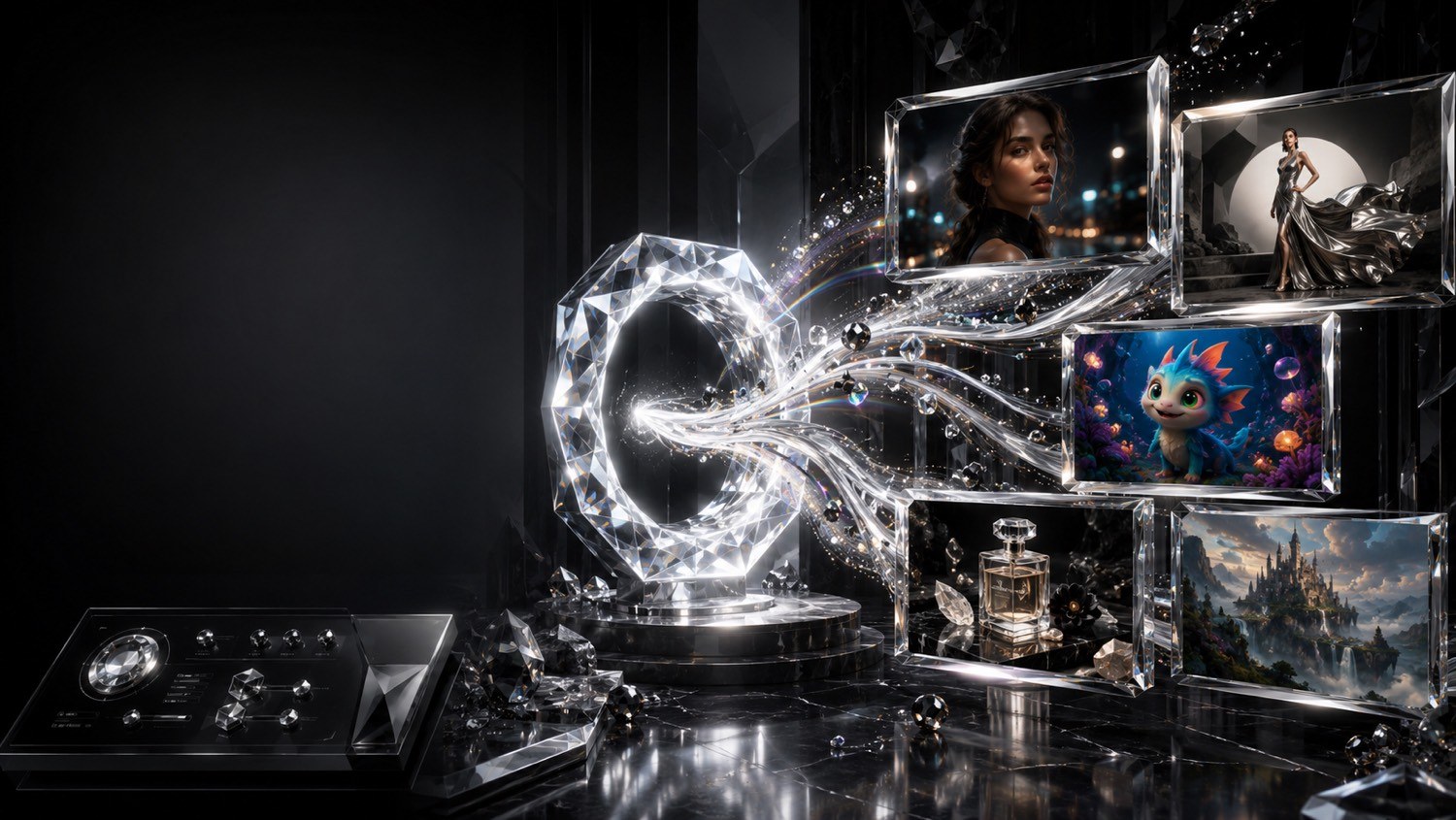
A still is the first proof of a world. Generate new frames, edit what you already have, restore faces, lift resolution, and remove a background.
Create an ImageIn this studio
What you can make
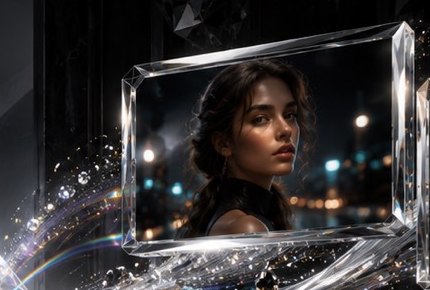
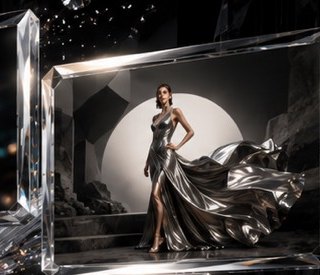
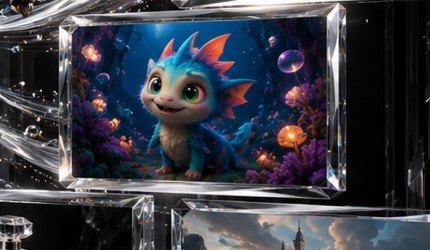
A simple path
01
Describe the still
Subject, light, setting, and mood in plain language.
02
Generate or edit
Start new, or refine a reference you already own.
03
Finish the frame
Restore, upscale, or lift the subject from the background.
04
Continue
Download, or send the still into video and performance.
Studio
What do you want to see?
Describe what you want to make. Engine and infrastructure settings stay under Advanced Settings.
Stills, edits, and finished pictures
Prompt craft
All techniquesAdvanced Settings
Qwen-Image · Apache-2.0
NEL is live · stills, motion, voice, and captions
Development Mode · labeled preview until engines are connected
Enter the StudioNEL engines for this room
NEL Vision
Photoreal pictures from a brief.
NEL Vision Studio
Higher-fidelity stills for finished work.
NEL Director
Prompt enhancement and shot planning.
Continue
Related rooms
Begin
Your imagination is ready.
Enter the studio and write a brief.
Enter the Studio